
Cinextools
Almost every re-export comes down to one small, fixable mistake.
Fix the mistake
Not the whole file
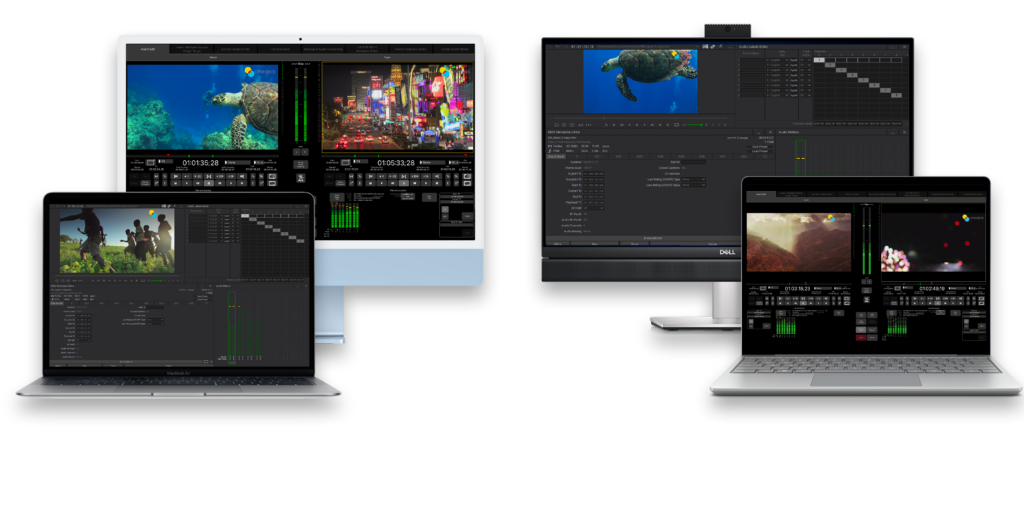
cineX Suite reduces delivery cycles by letting you update just the change — no full re-export. Insert edit for video, audio, and captions, resolution-independent up to 8K.
Technicolor
“We can just fix what we need to fix without re-sending the file through QC.”
ITN Productions
“Historically, if there was an issue, we would restart the whole process. Now, we just drop in the change.”
Envy Post
“We can offer our clients a better service because we can turn around last minute changes nearly instantly”
without cinextools
- Spot one error in delivery
- Re-export the entire file
- Wait for the render
- Re-QC the whole thing
- Miss the deadline
vs
with cinextools
- Spot one error in delivery
- Insert just the corrected frames
- Done in seconds
- Deliver on time
- Move on with your day
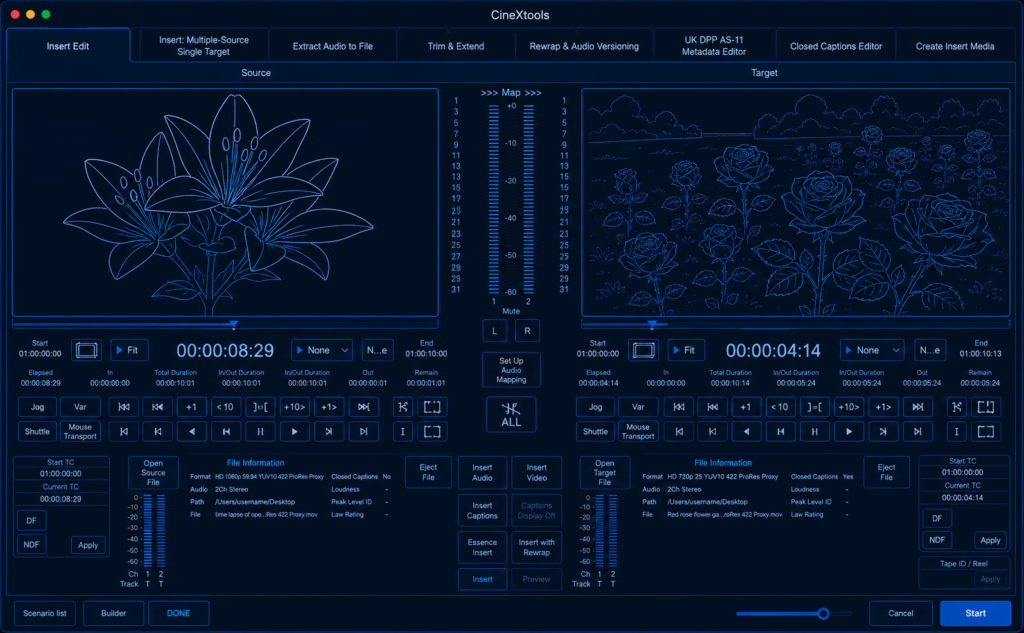
cinextools
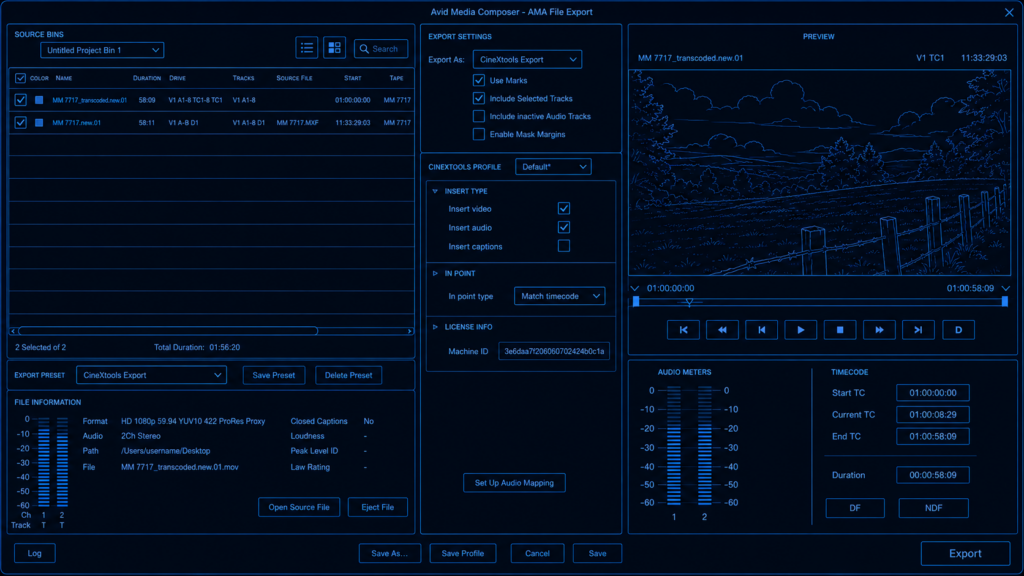
cinexplugins
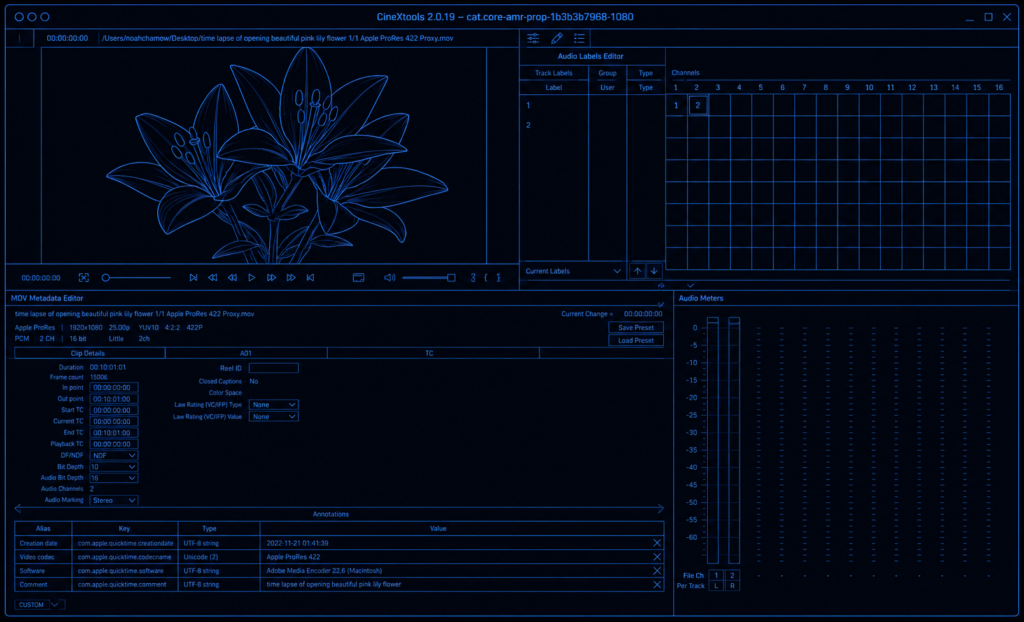
cinexmeta
Choose the license that fits your team
cineX products are available under three license types, depending on whether you work on one machine, move between machines, or share seats across a team.
Static
BEST FOR
Flex
BEST FOR
Floating
BEST FOR
- insert edit to video, audio & captions
- AS11 metadata editor
- Head & tail trim and extend
- Restripe timecode (drop / non-drop)
- Rewrap without losing metadata
- Closed Captions editor (608/708)
- Audio Versioning tool
- Add and remove black
- Multiclip insert - many at once
- Resolution independent - HD, 4K, 8K
Don't miss another deadline
Try cinex Suite for free, or talk to us about volume licensing
Full feature parity on macOS & Windows